728x90
1. 이클립스 공식 사이트에 들어간다
https://www.eclipse.org/downloads/
Eclipse Downloads | The Eclipse Foundation
The Eclipse Foundation - home to a global community, the Eclipse IDE, Jakarta EE and over 415 open source projects, including runtimes, tools and frameworks.
www.eclipse.org
2. OS 환경 선택
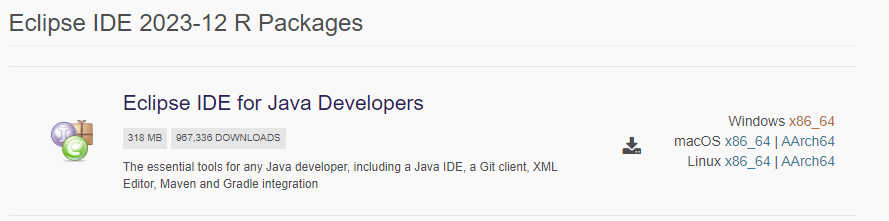
- Download Packages > Eclipse IDE for Java Developers > Windows x86_64(윈도우기준)
3. preference 설정
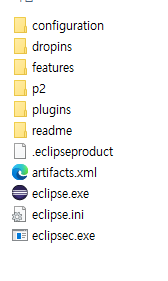
- eclipse.exe 클릭 후 작업공간 선택
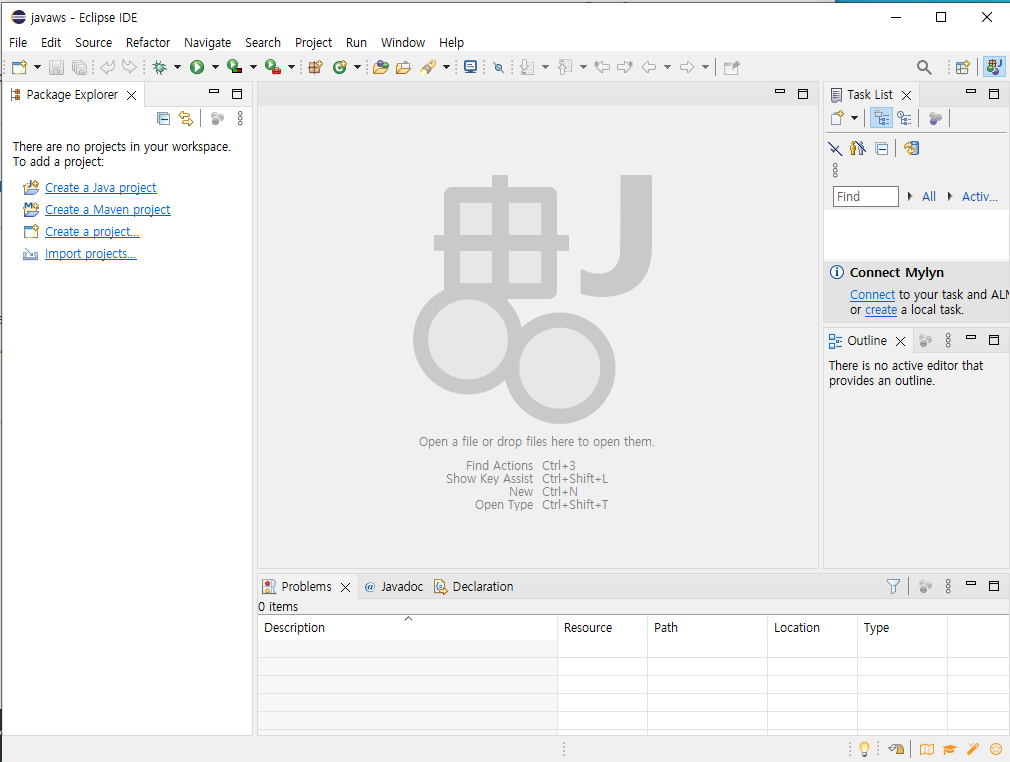
window - preferences에서 설정 시작
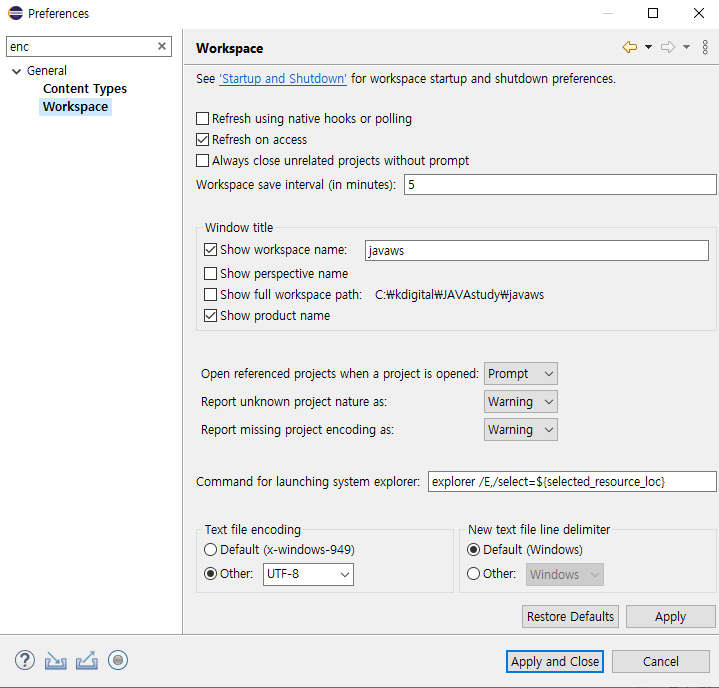
- preferences - 검색창에 enc 적고 Workspace - Text file encoding이 UTF-8이 되도록 설정
'Coding > JAVA' 카테고리의 다른 글
| [JAVA] while / for 반복문 사용 간단 예제 (0) | 2024.03.19 |
|---|---|
| [JAVA] 가위바위보 게임 (0) | 2024.03.18 |
| [JAVA] Scanner Class - next(), nextLine(), nextInt() (0) | 2024.03.15 |
| [JAVA] 이클립스 자주 쓰는 단축키 (0) | 2024.03.12 |
| JDK 자바 개발 키트 (0) | 2024.03.11 |